Find that day
Move through years and months, then open a day of photographs. A natural way to revisit a trip and organize it at your own pace.
01 / CALENDAR
 LightPicPHOTO JOURNAL
The journeys. The everyday. Browse by day, wander through your library, and make room for the moments you love.
For iPhone & iPad · Requires iOS 18.0 or later

Start with a day. Stay for a photograph. You do not have to organize everything at once — just make a little room for what matters.
Move through years and months, then open a day of photographs. A natural way to revisit a trip and organize it at your own pace.
Roam freely to rediscover a forgotten moment, or follow a day through your library and watch its story unfold.
Review photos one at a time. Organize similar shots and screenshots, or browse by location, media type and album.
Swipe to explore · Tap an image for a closer look ↔
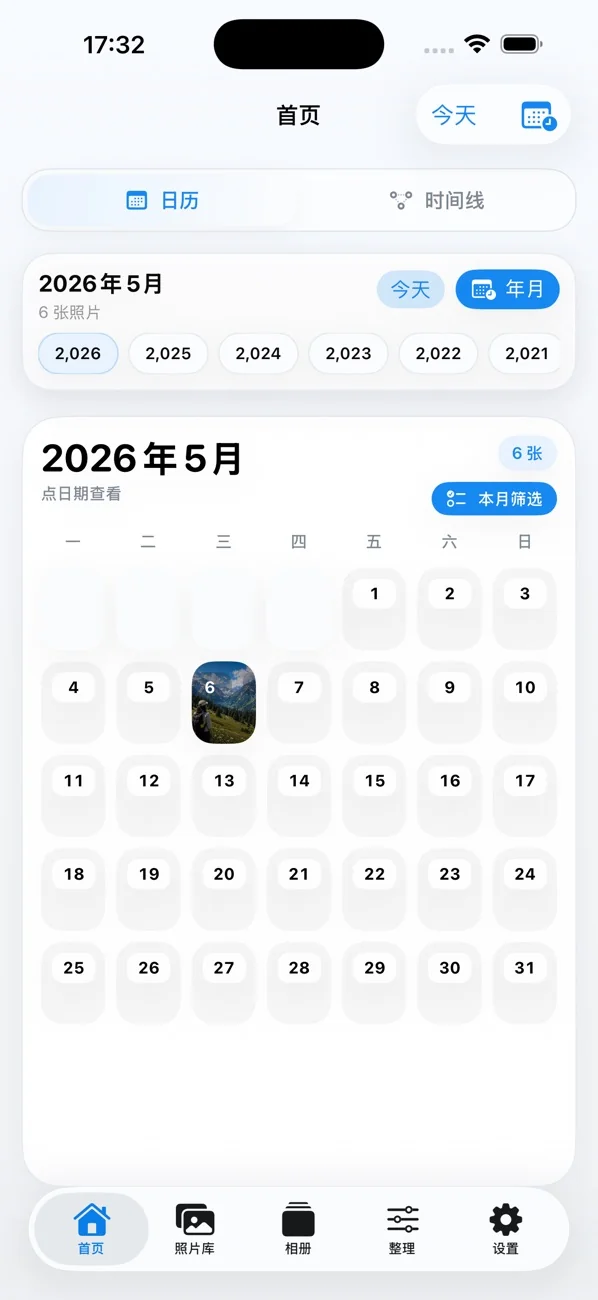
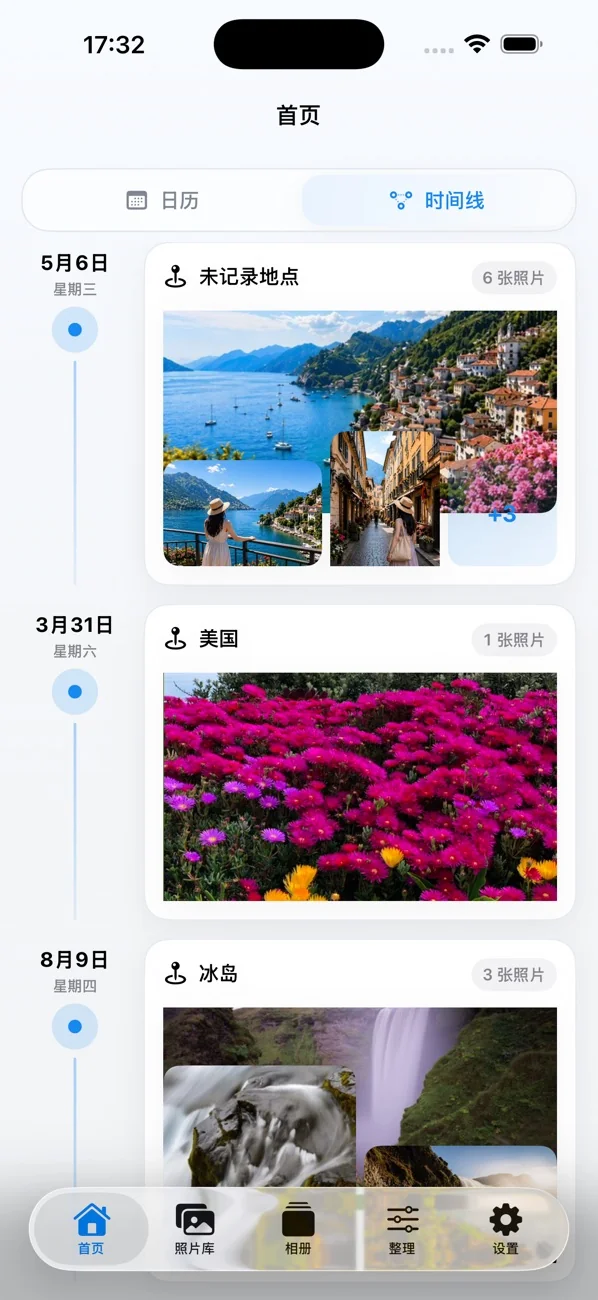
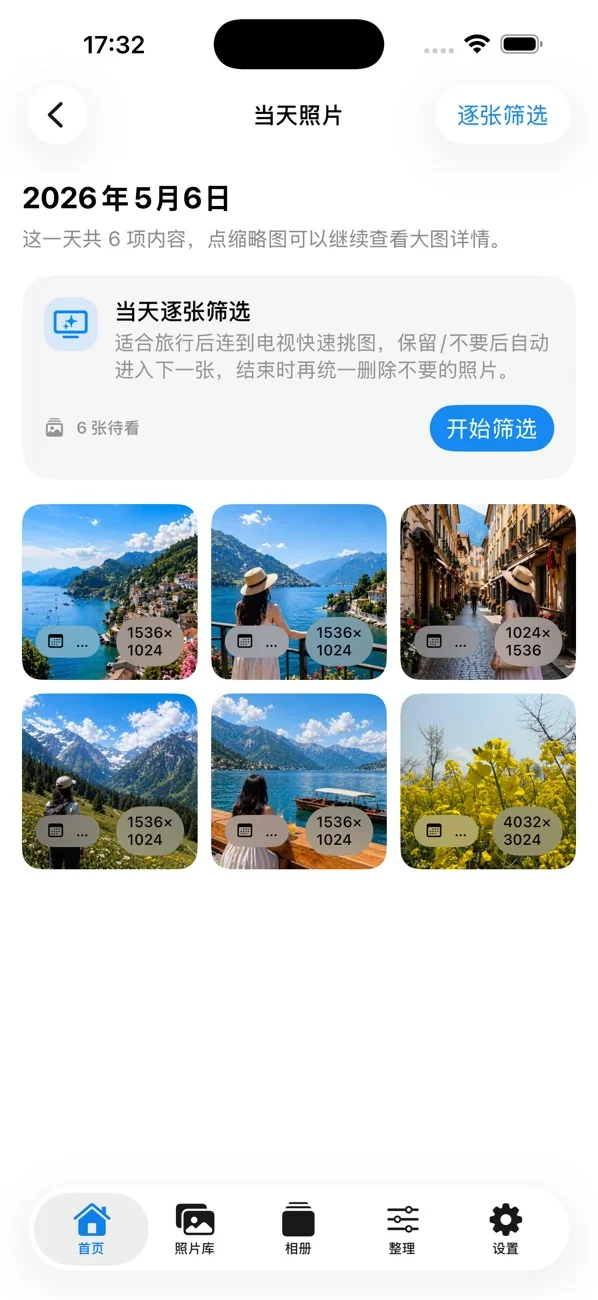
Published App Store screenshots, shown in Chinese. Appearance varies with version, language and photo library.
Photo analysis and similar-photo fingerprints are primarily processed on your device. Original photos and videos are not uploaded to LightPic servers. No account required.
Apple handles purchases. Review credits may sync with iCloud, and some location lookups use Apple system services.
Read the full privacy policy ↗LightPic supports iPhone with iOS 18.0 or later and iPad with the corresponding system version. It also supports iPhone Duo. See the App Store listing for current compatibility.
The app is free to download and offers in-app purchases. Initial review credits are included. Deleting from review results uses a credit; no deletion means no credit is used. Credit packs and Lifetime Pro are available. See the App Store and the app for current prices.
Original photos and videos are not uploaded to LightPic servers. Photo analysis, category indexes and similar-photo fingerprints are primarily processed on device. See the privacy policy for iCloud credit syncing and Apple location services.
Yes. LightPic uses the iOS photo library deletion flow. Check your selection before confirming deletion. Clearing LightPic caches or indexes does not delete your system photos.
Yes. With limited access, LightPic can only browse the photos you authorize. To organize your entire library, change photo access in system Settings.
Rediscover the extraordinary in your everyday.
Download on the App StoreFree download · In-app purchases
For iPhone & iPad · Requires iOS 18.0 or later

Scan with your iPhone camera